Back to Inbox
Hey there,
//Cole
Cofounder, Formspree.io
From
Subject
Export Form Data to Google With Backfill
Message
Hey there,
Need your form submissions in Google Sheets? Formspree can send every new entry straight there. No copy-paste required.
Head to your form's Workflow tab, and add the Google Sheets action:

Here, you'll need to connect your Google account. The action will then create a new Google Sheet in your Google account and add a new row for each new submission that your form receives!
But before you go ahead, you also have the option to backfill the spreadsheet with the existing data in your submissions table by checking the Sync existing submissions checkbox:
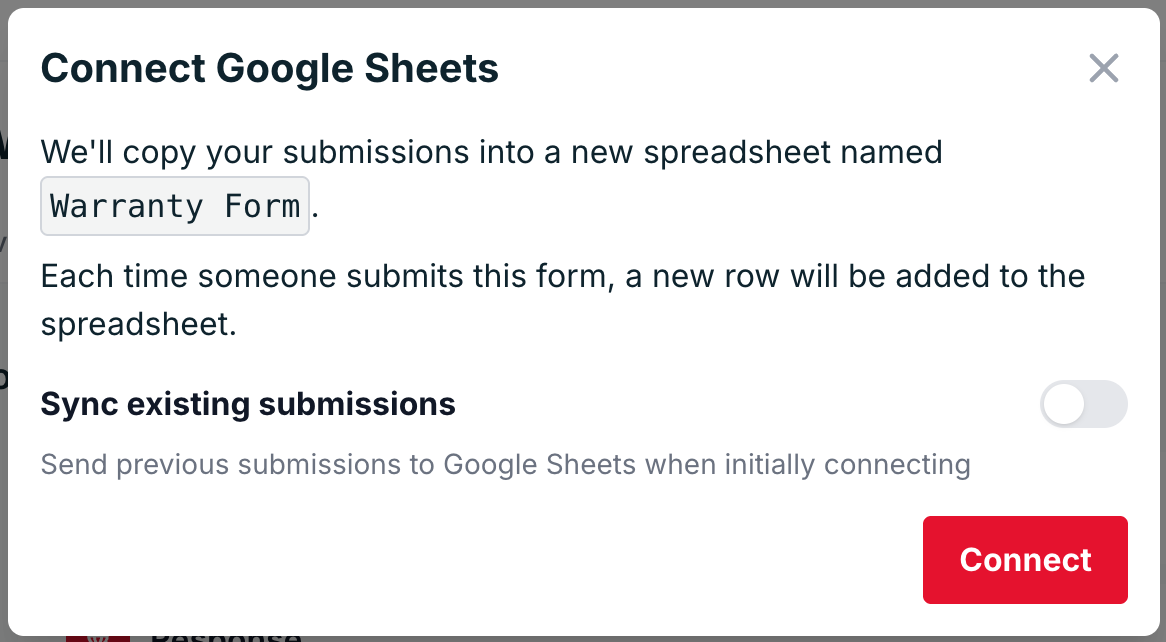
Click the Connect button, connect your Google account, and you're all set!
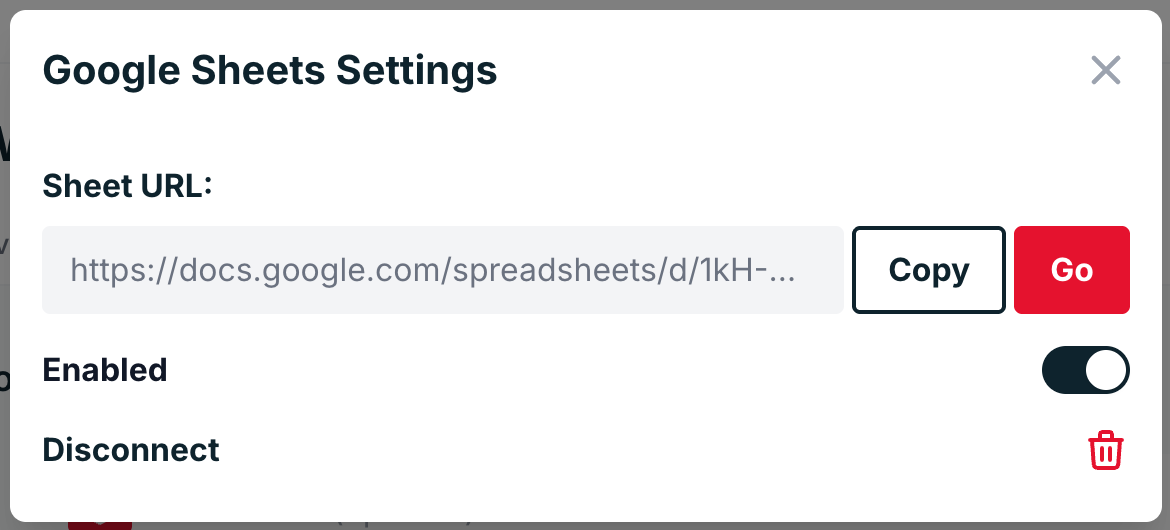
Just click the Go button to view your sheet:
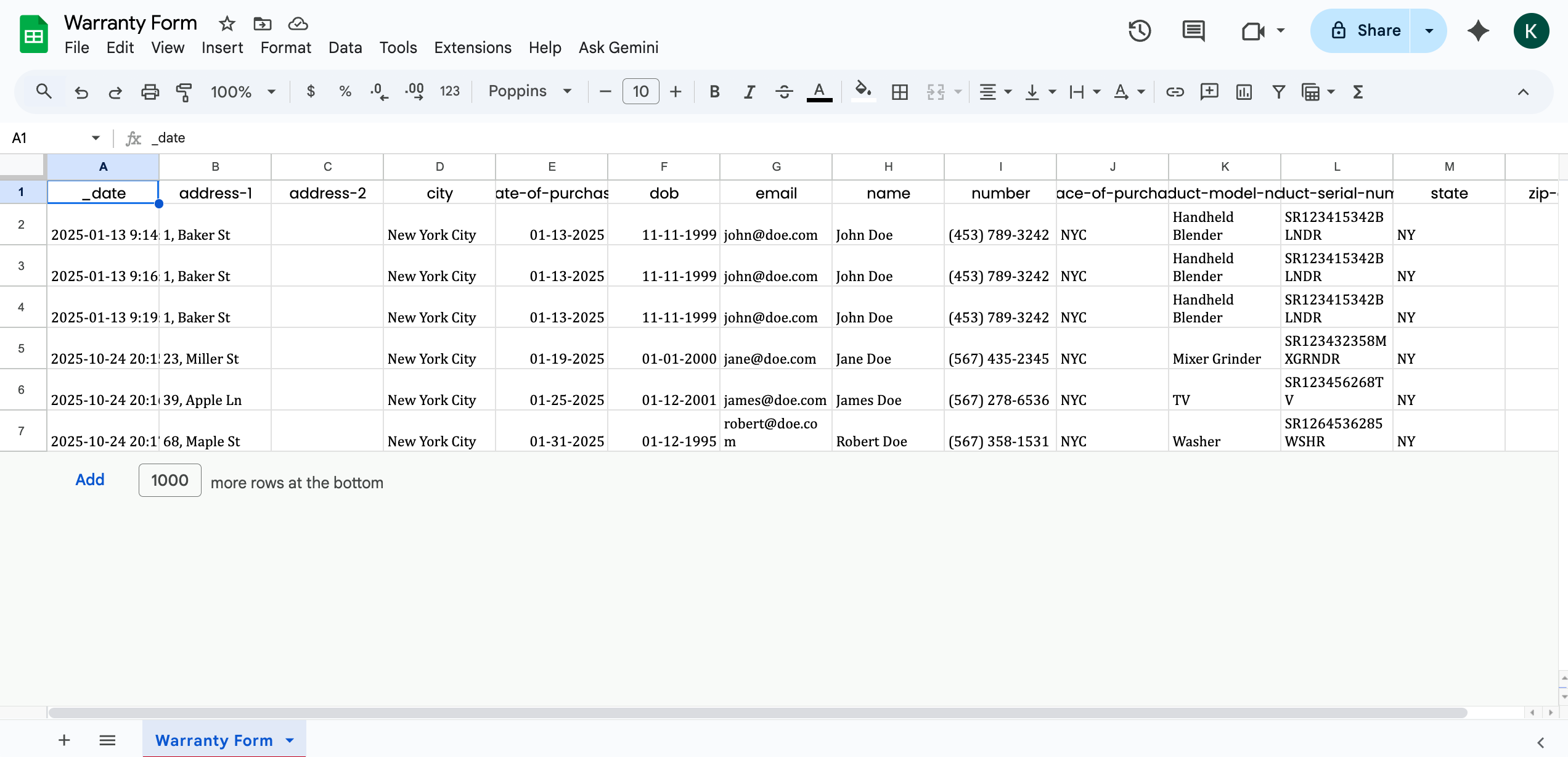
Now you're got a live, sharable sheet that updates itself!
👉 Try it out//Cole
Cofounder, Formspree.io